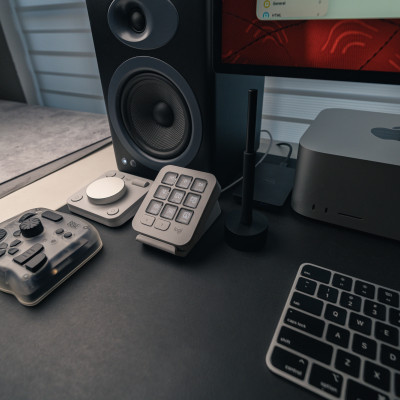
I love looking at photos and videos of other people’s meticulously organized and styled desk setups. I love those clean setups where not a single cable can be found. As much as I appreciate that aesthetic, it’s never realistic for my own workspace. While I do my best to keep things clutter-free, my workspace tends to lean more towards function over form. I could hide my charging cables in a drawer, but then taking them out and plugging them in every time would drive me insane. So keeping them plugged in on my desk is a necessary mess I’m willing to live with. But I do tend to be pretty intentional about what gets to stay on my desk. If it’s not something I use often (or connect to my computer), then it needs to go in a drawer or somewhere else.
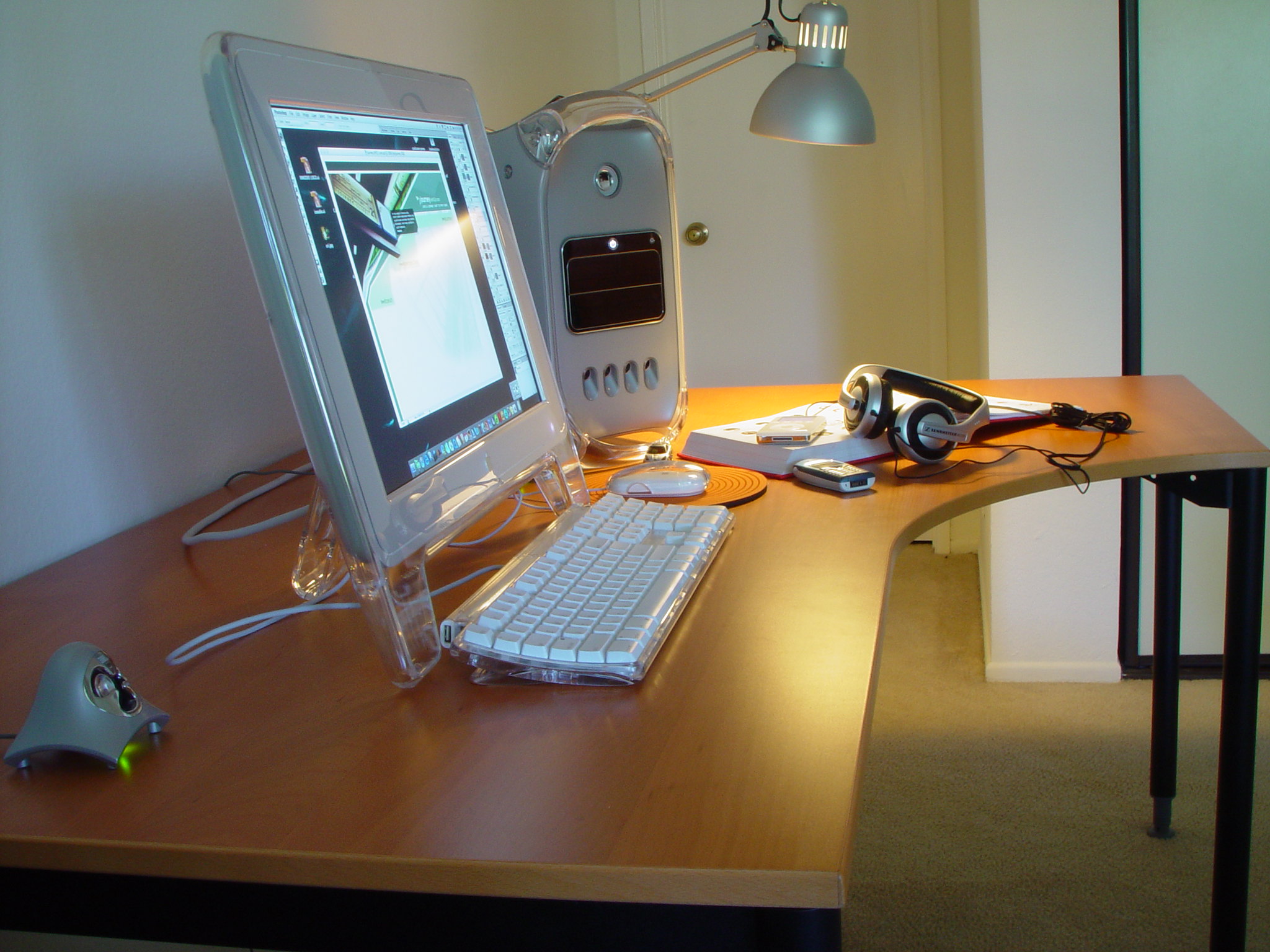
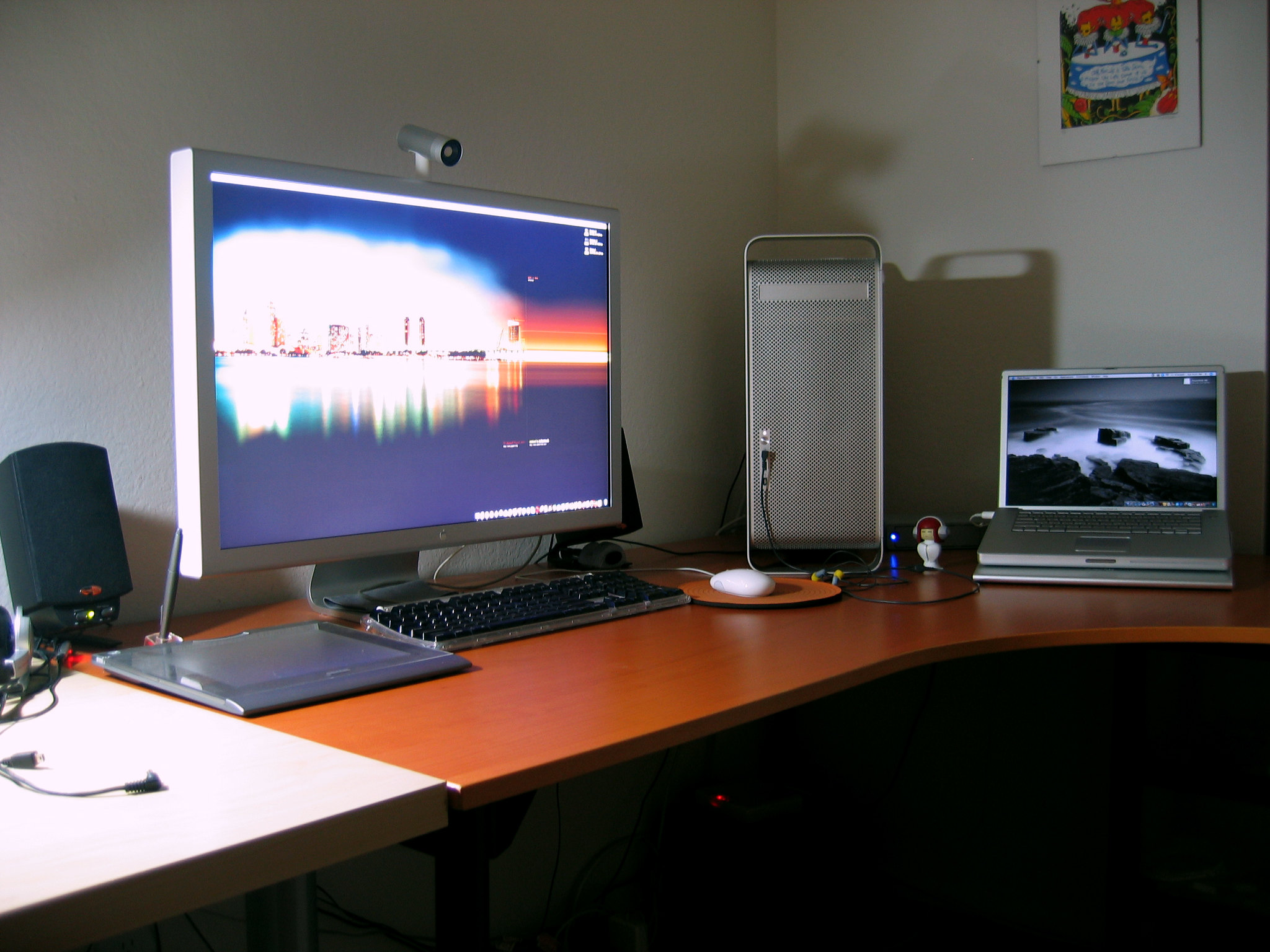
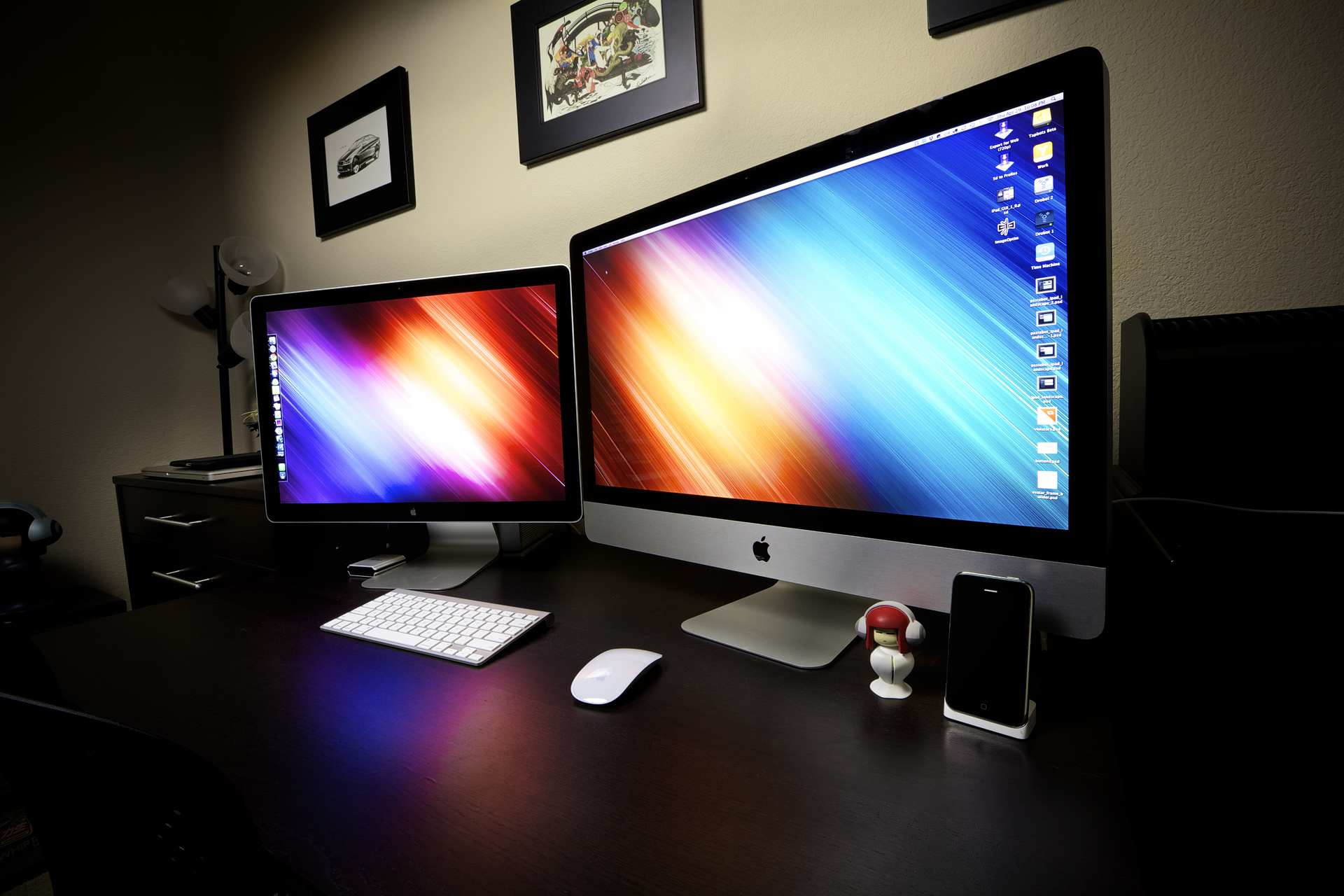
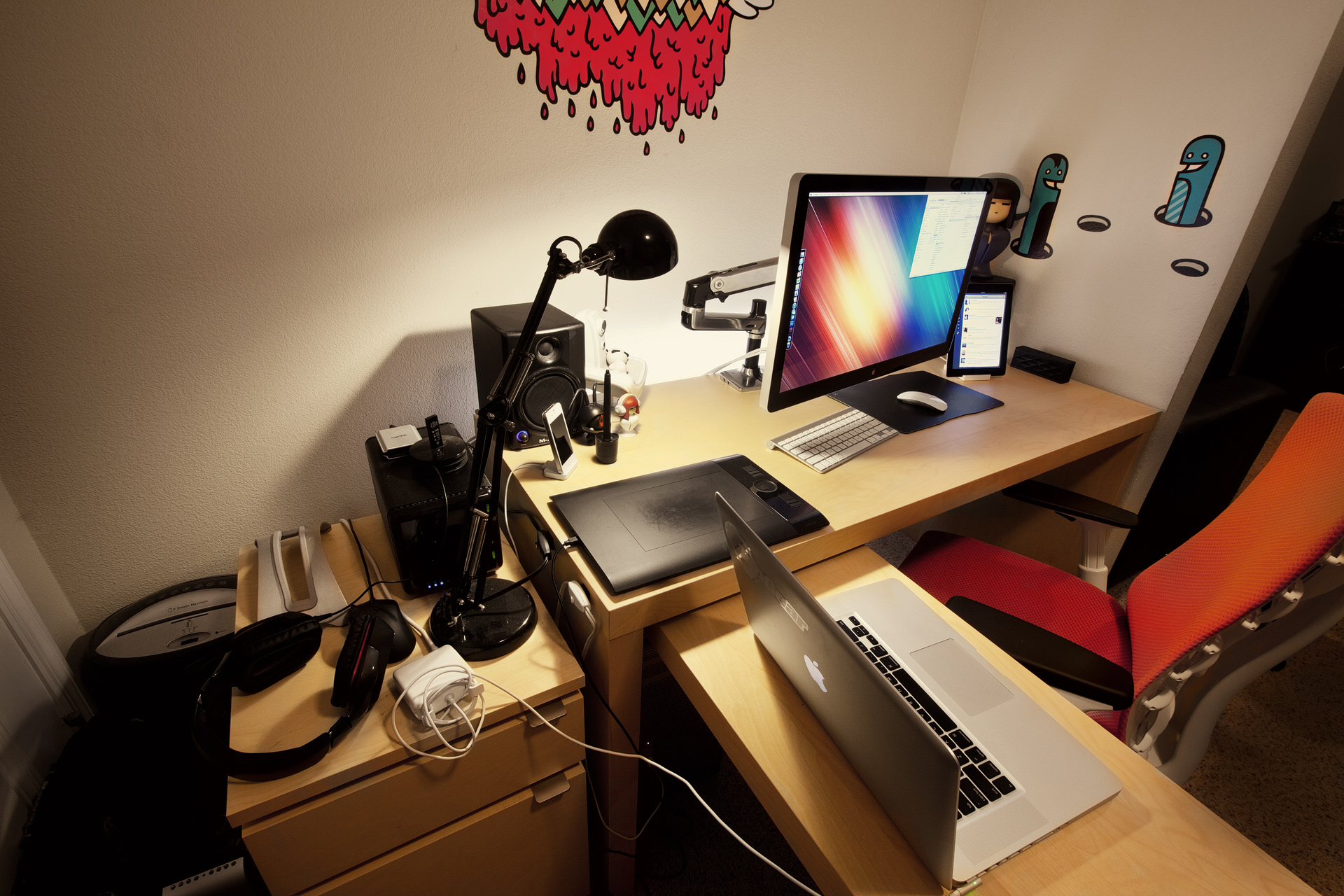
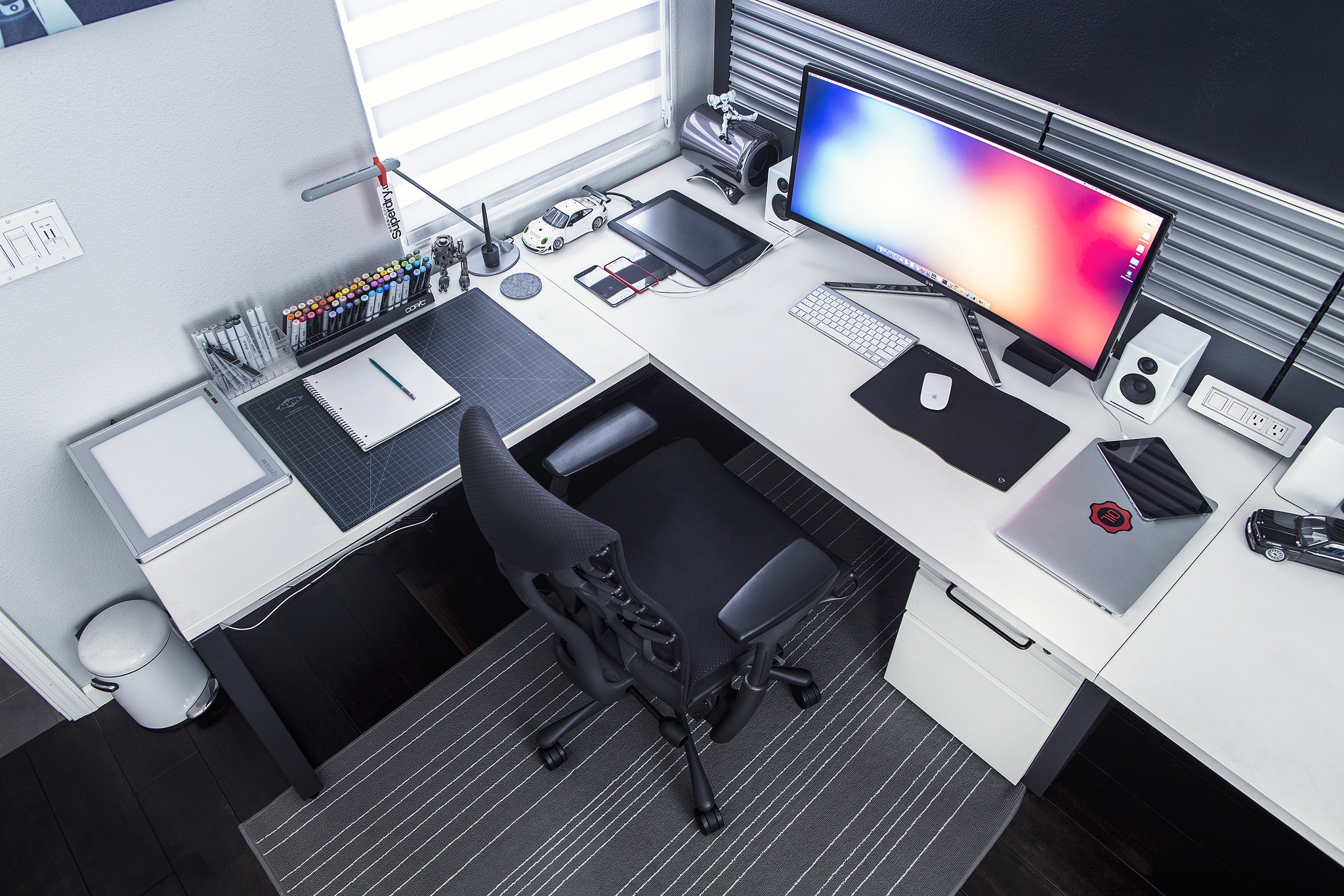
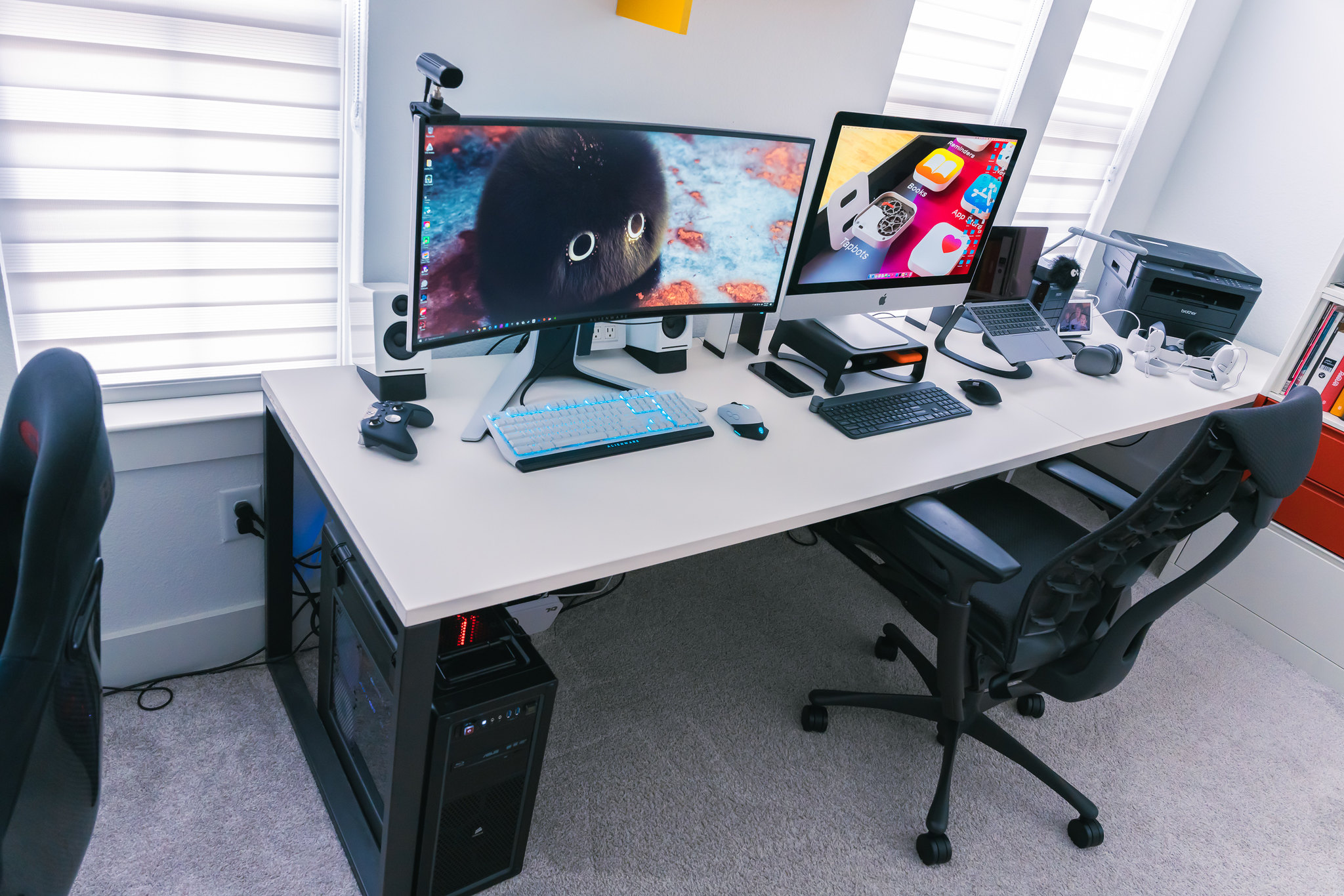
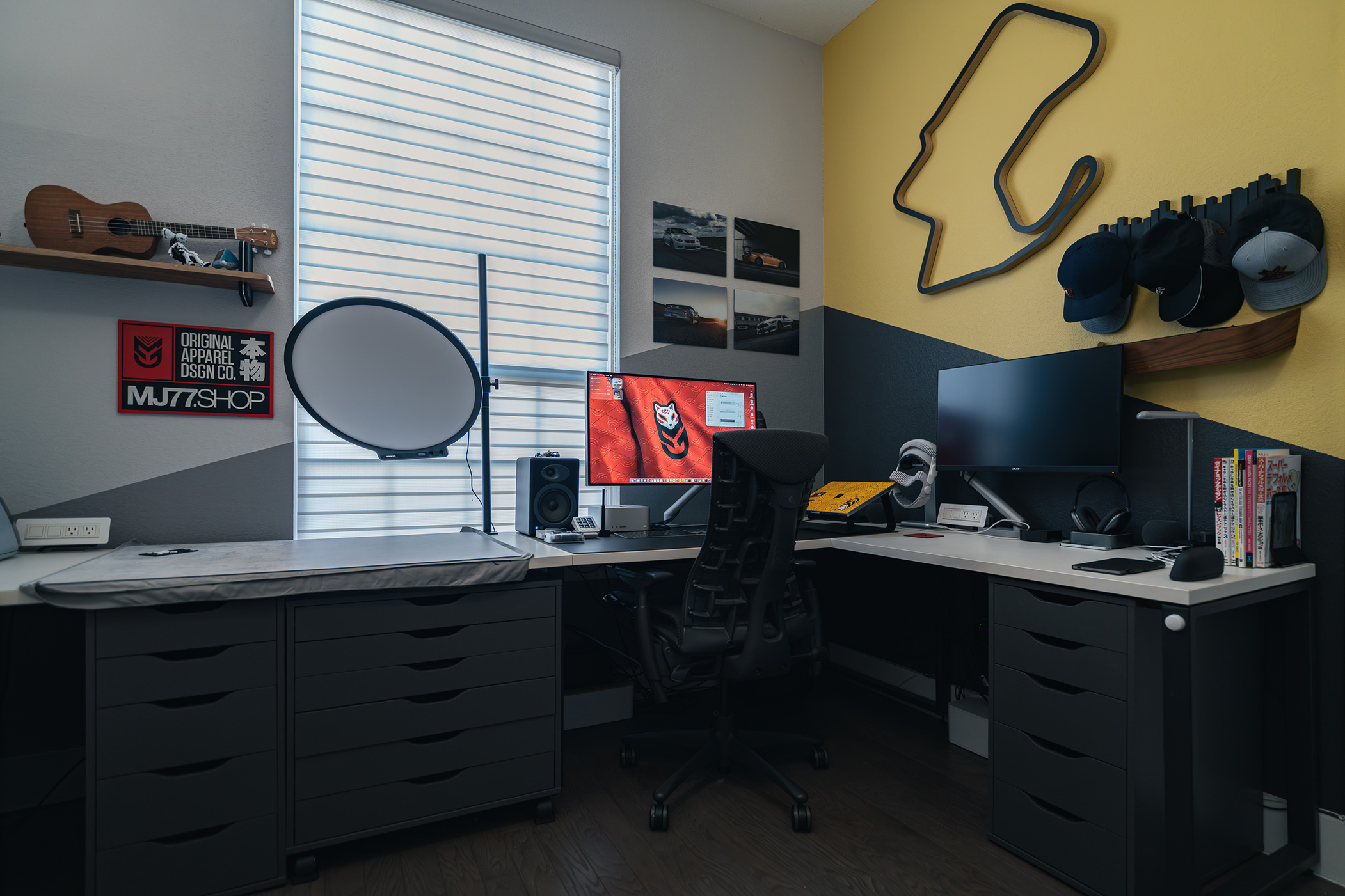
Short Visual History of My Desk Setups.
I’ve gone through dozens of different desk setups over the years. These are the notable photos I was able to find.
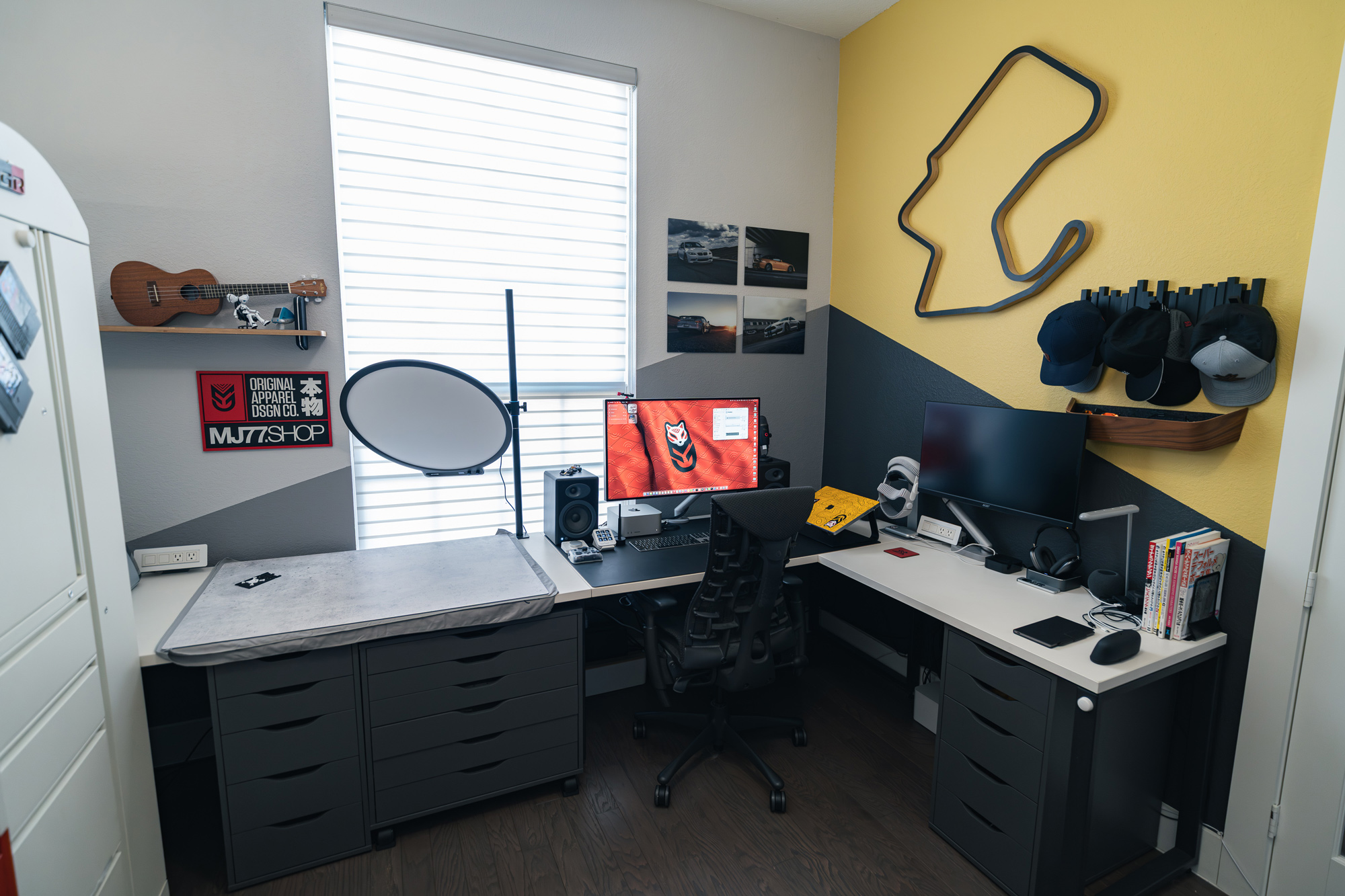
Current Desktop Tour.
Here are the items currently on my desk. The URL’s labeled ‘Amazon’ are links to the product on Amazon using my affiliate link.
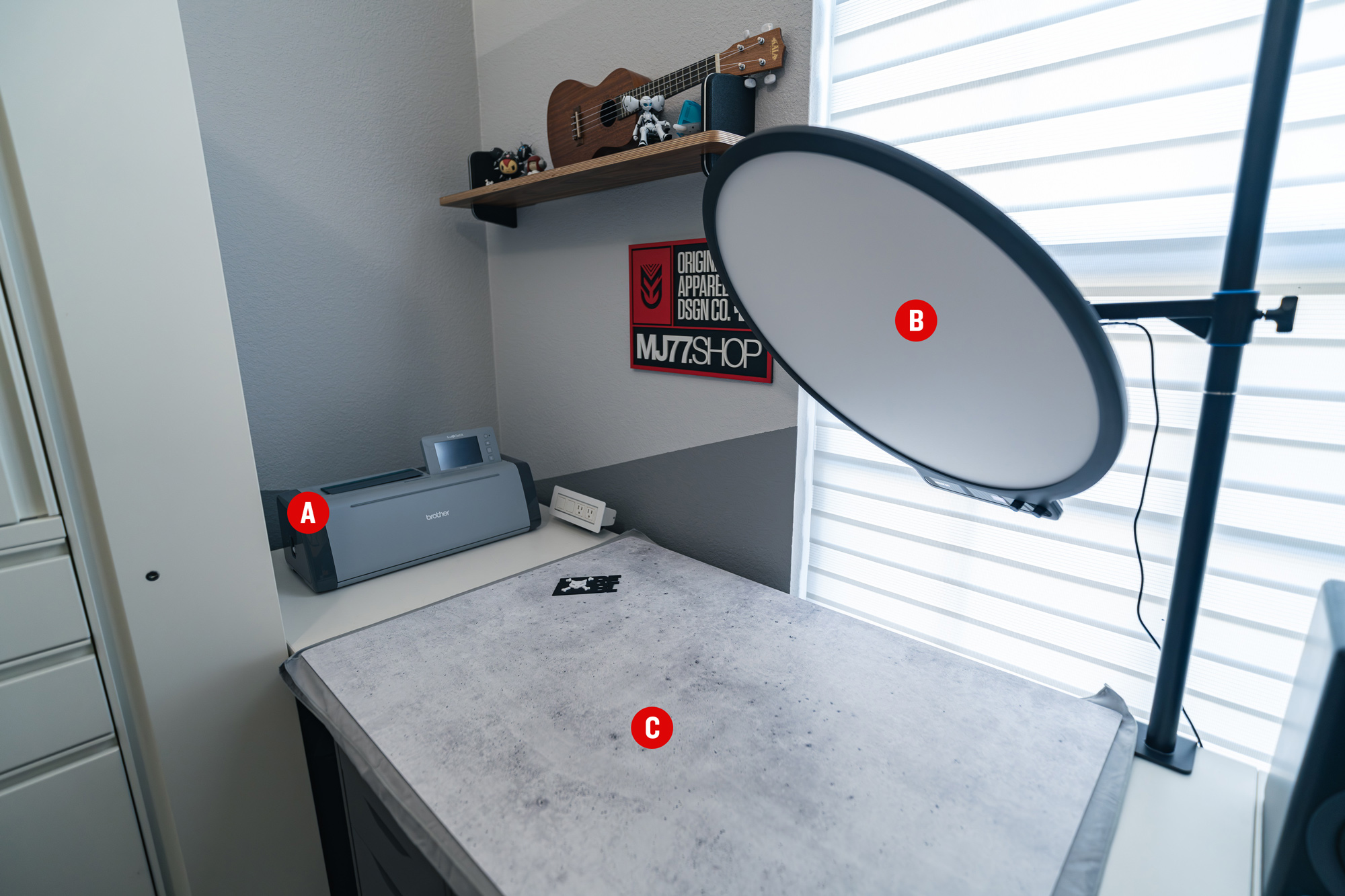
A. Brother Scan N Cut (Amazon)
A more utilitarian version of a Cricut. I used to own a Cricut and using it made me want to throw it out of the window. The software is very bad and the hardware would often give me errors which required the machine to be restarted. This brother cutting machine does exactly what I want it to do and doesn’t drive me mad. I use it to cut stickers, magnet sheets, and other things that require more complex die-cuts.
B. Amaran Verge Max (Amazon)
This is one of my favorite things on my desk. I’m often taking photos of smaller objects and have always had to spend 5-10 minutes bringing out and setting up lights. Now I always have amazing soft lighting right at my desk. It has brightness and temperature controls and I can easily swivel it into different angles as well as raise and lower it with ease. It also makes for great lighting on me on those very rare occasions when I need to get on a video call.
C. V Flat Duo Board (Vflat World)
These are double-sided, textured boards to be used as a background or floor when photographing objects. Every duo board comes with 2 different textures (one on each side). I only have a couple, but they are very nice and allow me to have a nice looking background or “table top”.
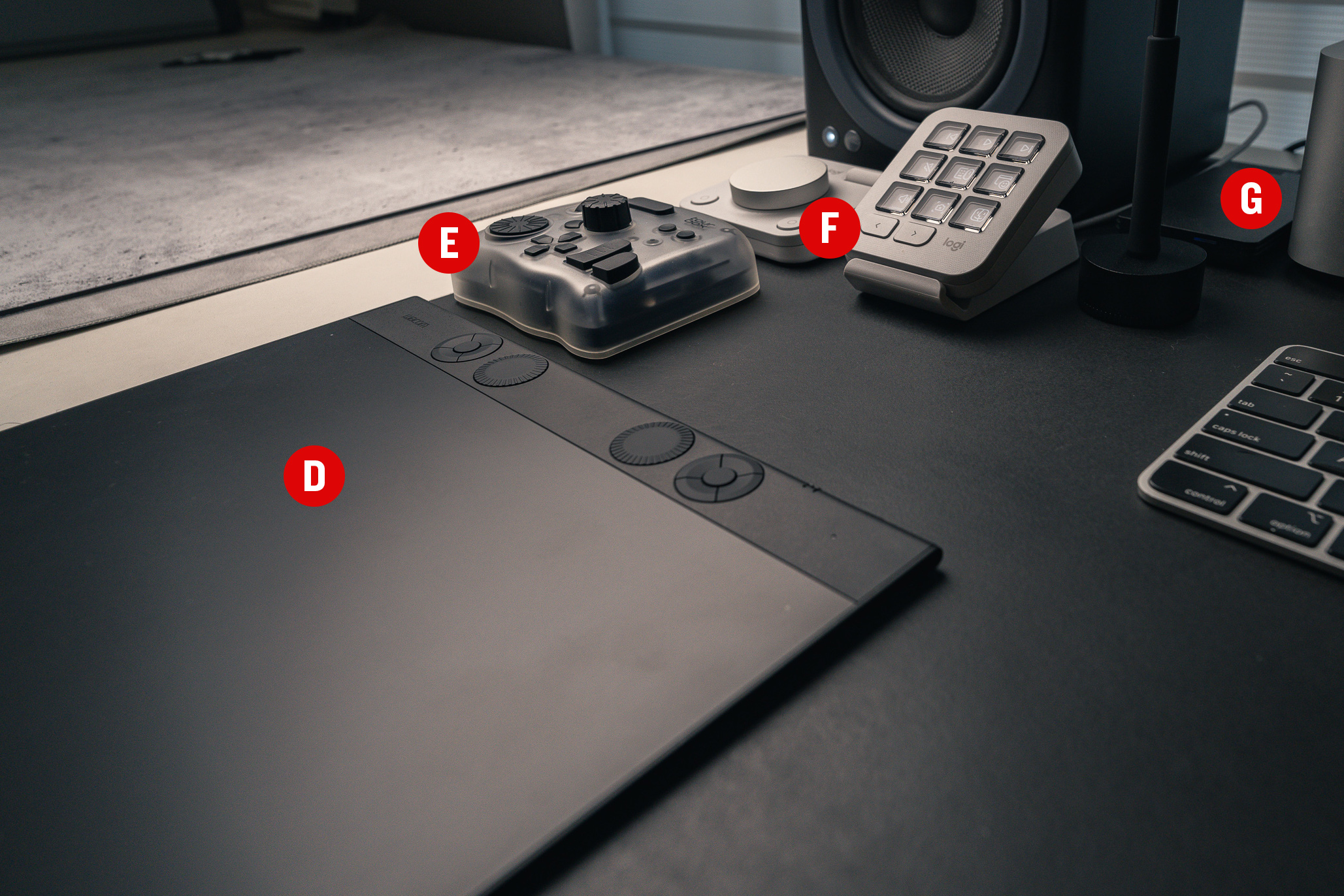
D. Wacom Intuos Pro (Amazon)
I don’t draw much on my computer these days because of my iPad and reMarkable tablet. But I do use my Wacom a lot for editing photos. This one is wireless (bluetooth), the perfect size, and very thin.
E. Tour Box Elite Plus (Amazon)
I bought the Tour Box for photo/video editing after being disappointed with the MX Creative Console. It’s been working out great, but I still need to spend more time optimizing the layout for my workflow and create better muscle memory.
F. Logi MX Creative Console (Amazon)
The only reason I still have this on my desk is because I keep telling myself one day I’m going to spend the time configuring this to work with various system tasks. I originally bought it to help me speed up batch photo editing, but having to look at keys to know which one to press doesn’t really speed things up. The tour box is so much better for speeding up workflow tasks, at least for me. The hardware is neat and the configuration options are nice, but it just doesn’t live up to its intended purpose for me (as a creative tool). It does make a great potential macro/hotkey controller for other use cases.
G. OWC Envoy Pro SX (Amazon)
This is a speedy little Thunderbolt SSD drive that I use to store video footage I’m editing. I store all of my photos and videos on a Synology network drive and while it’s pretty fast with 10Gb ethernet, editing 4K video sometimes can’t keep up. So I’ll edit on this little SSD drive and then archive the footage onto my Synology drive once I’m done.
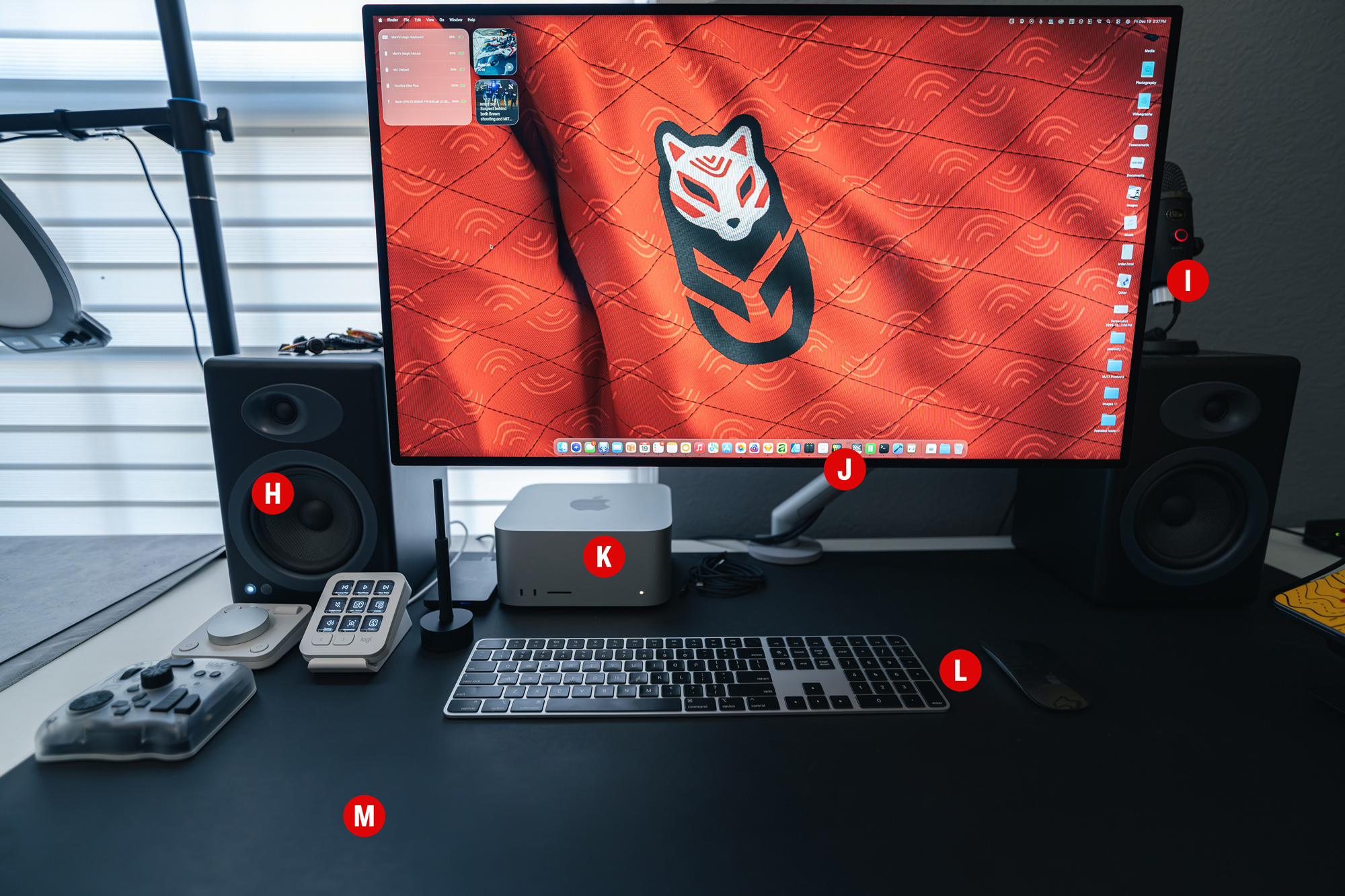
H. Audioengine A5+ Speakers (Amazon)
Can’t say much other than that these have been great desktop speakers. They connect to my Mac via USB and I also have the optional external sub on the floor.
I. Blue Yeti Nano USB Mic (Amazon)
This is the Mic I use for the occasional video calls I make. Not much to say other than it sounds great and gets the job done.
J. Pro Display XDR (Apple)
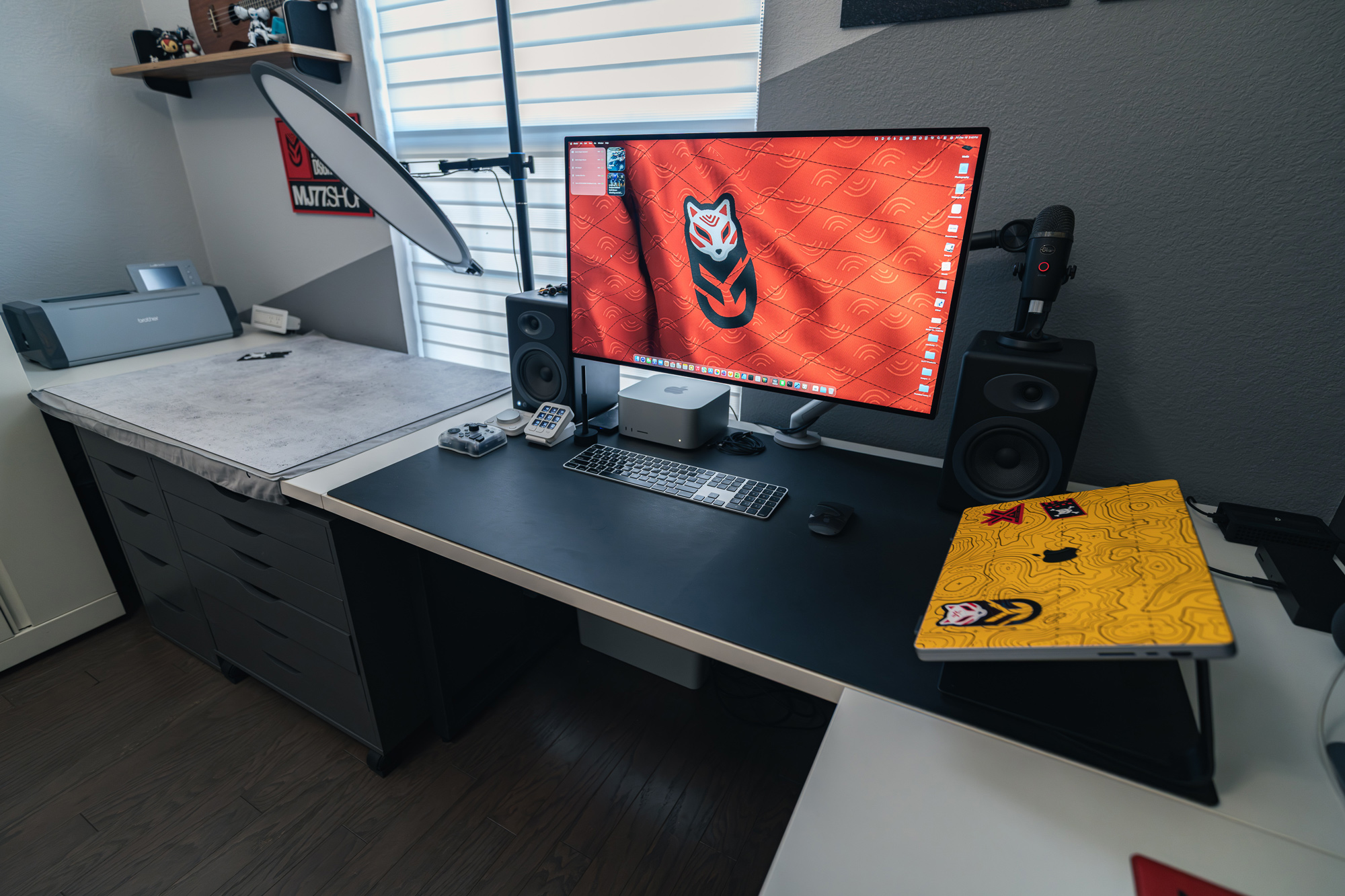
You might have noticed in my desktop history photos above that I have at one point owned every one of Apple’s Pro displays since the Powermac G4 era. They have always been my favorite displays to use for work. There was a period before this XDR display where I was going through various non-Apple displays and I was never 100% happy with any of them. Either they were 1x displays or 2x displays where the pixel density was just too low. A few years ago I finally decided to “buy once, cry once” and pick up Apple’s XDR display. It was perfection. I initially had my M1 Macbook Pro hooked up to it. It’s by far the best display I have ever owned and still looks amazing to this day.
K. Mac Studio M3 Ultra (Apple)
When I started getting into 3D Modeling and GPU rendering via Octane and then Redshift, I ended up using my gaming PC because Nvidia GPUs were needed to render using those engines. When Apple released the M1 Macs, it was the first time you could do GPU rendering at a decent speed. However it was early and too buggy on my M1 Macbook Pro so I ended up buying a new PC with an Nvidia 3090GTX GPU (buy vs build was the only way to get a 3090 without crazy markups during covid). I went with an Alienware PC at the time because it was the cheapest way to get a 3090 and unfortunately it was a custom 3090 that was extra short to fit in that proprietary PC case. Fast forward to this past summer when I wanted to upgrade the GPU to a 5090GTX, but turns out they will not fit in my proprietary PC case. So it was either build a brand new PC or…Apple just released brand new Mac Studios! I always hated working in Cinema 4D in Windows on a 1x display, but I didn’t have much of an option if I wanted fast GPU rendering. So after some research, I ended up ordering an M3 Ultra Mac Studio because of all the GPU cores it had. I ran a bunch of Redshift rendering tests and was blown away by the performance. I’m finally able to keep all of my 3D work on a Mac. I’ll probably be using this computer for the next 10 years.
L. Apple BT Keyboard and Magic Mouse
I’m probably one of the few who actively choose to use Apple’s Bluetooth keyboard and Magic Mouse because I love them. The only negative is these are the lightning port versions so I have to keep those cables around to charge these.
M. Grovemade Desk Pad (Grovemade)
I’m a big fan of huge mousepads and you can’t get much bigger than these Grovemade Desk Pads. They look and feel great, are easy to clean, and create a nice boundary for my main work area.
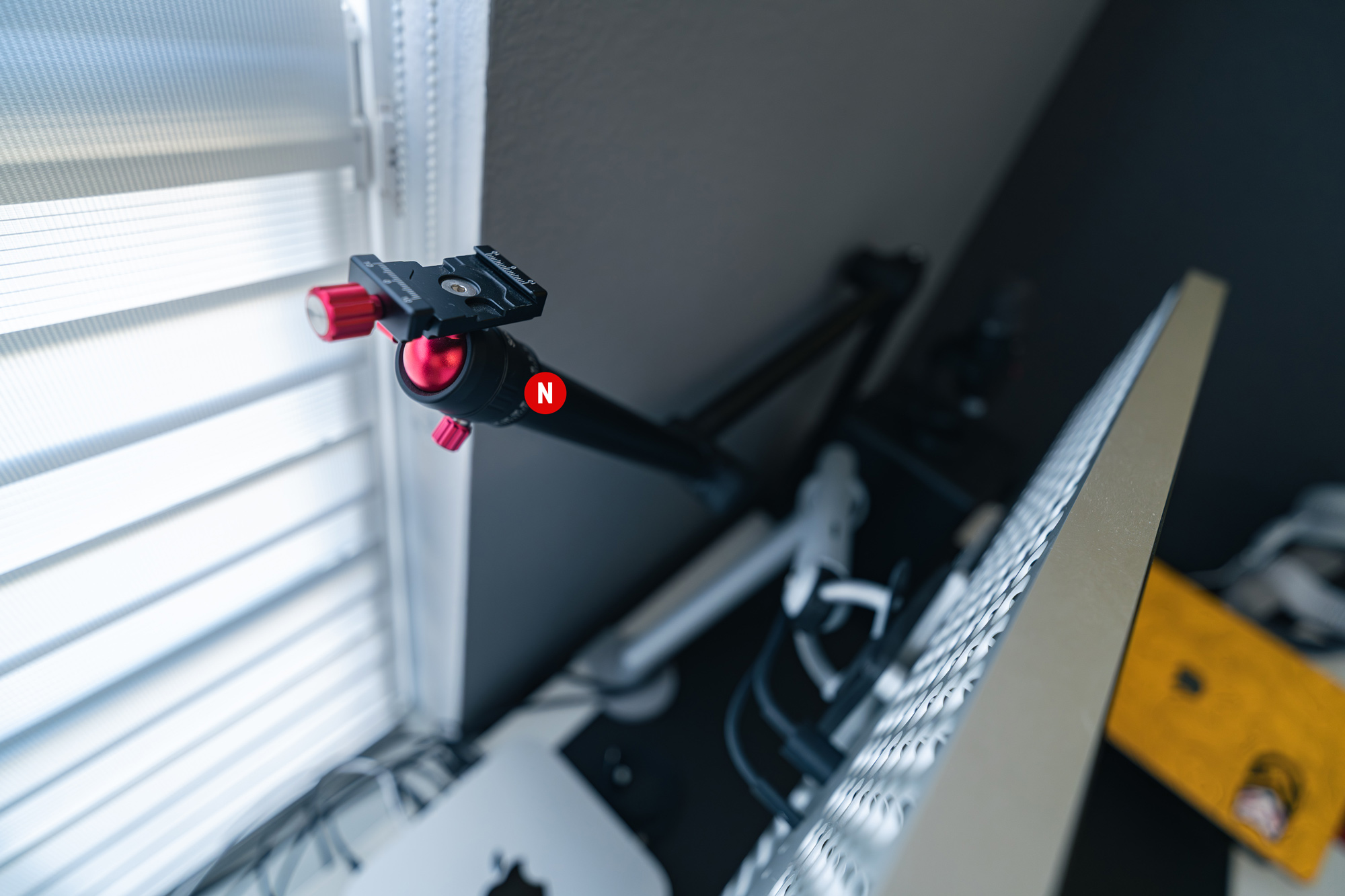
N. Smallrig Desktop Camera Mount (Amazon)
This desk mounted camera mount is hidden behind my display until I need to do an occasional video conference call. I mount my Sony ZV-E1 to it and lower my monitor slightly to bring my camera into view.
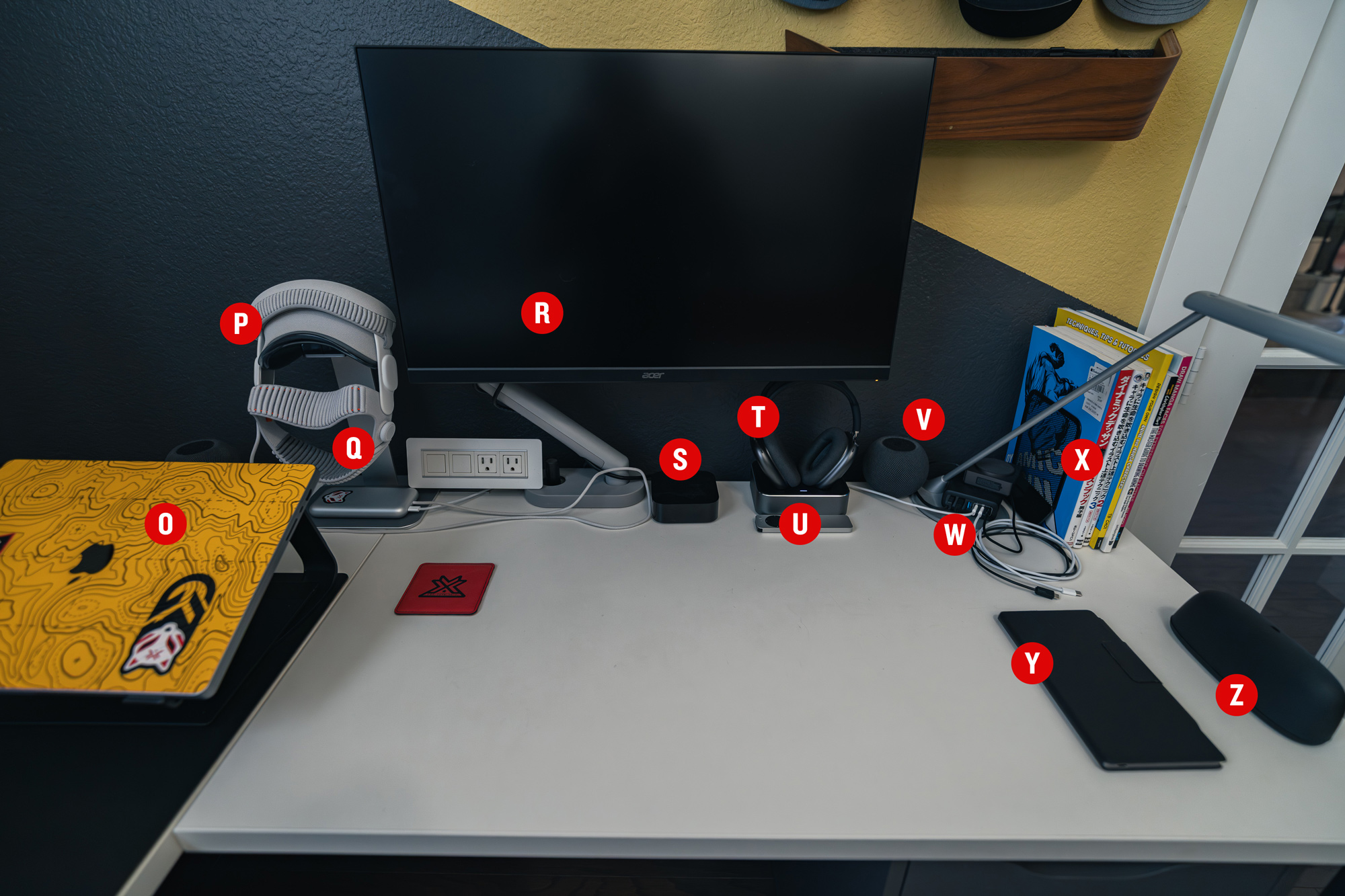
O. M1 Max Macbook Pro
My trusty Macbook Pro that I have been using as my main machine since 2020. It was connected to my XDR Display until I got the Mac Studio. I work at the coffee shop for a few hours each day and so it still gets used on a daily basis.
P. Vision Pro (Apple)
The Vision Pro is the best TV in my house. I love watching movies and TV shows in it. And yes I still use it at least a few times a week. It’s the original version, but I upgraded to the Dual Knit Band and find it very comfortable to wear.
Q. Upergo Vision Pro Stand (Amazon)
This is the best Vision Pro stand I’ve come across so far. The base is made of aluminum and has a nice rubber pad on the base for the battery. The top of the stand is a clear acrylic that holds the Vision Pro nicely. Looks great and makes my VP easily accessible.
R. Acer Monitor
This is a cheap monitor I use for my Apple TV. TV’s at this size are generally really bad quality and so I went with a monitor that does 4K and HDR.
S. AppleTV 4K (Apple)
Not much to say. It’s an Apple TV.
T. Airpods Max (Apple)
The original Airpods Max. Yea the ones that need a lightning cable to charge. But the thing they are sitting in make it not much of an issue anymore.
U. Airpods Max Charging Station (Amazon)
I haven’t had this for that long, but it’s been amazing so far. It comes with both a tiny lightning and USB-C magnetic dongle that plugs into the headphone’s charging port. and it allows the headphones to charge just by placing them into the cradle.
V. Homepod Minis (Apple)
These pair of minis are connected to the AppleTV.
W. Anker Charger (Amazon)
3x USB-A and 3x USB-C charging ports. It’s the messy part of my desk because I always have a variety of cables plugged in for easy charging access. Function over form here. (On top of the charger is just the chime/hub to my doorbell camera.)
X. Drawing Reference Books
Various drawing reference books i’ll occasionally open up to get inspiration or to practice.
Y. reMarkable Paper Pro Move (Amazon)
This is my e-ink tablet which I use as my sketchbook. I absolutely love this thing and have been using it ever since I bought it. I wrote about it and occasionally put some of my favorite sketches on my website as well.
Z. Oakley Meta HSTN Sunglasses (Amazon)
I had the gen 1 Meta Raybans and I loved them for listening to music and recording video clips on my bike. However the batteries failed just a year after I purchased them and Meta wouldn’t warranty them for me. I vowed not to purchase another pair, but when they came out with Oakley versions, I became interested again because of the longer battery life and the improved 2-year warranty. I ended up giving them another shot and yes, they are fantastic for someone like me who spends a lot of time outdoors. I just hope the batteries last longer than my original Raybans.
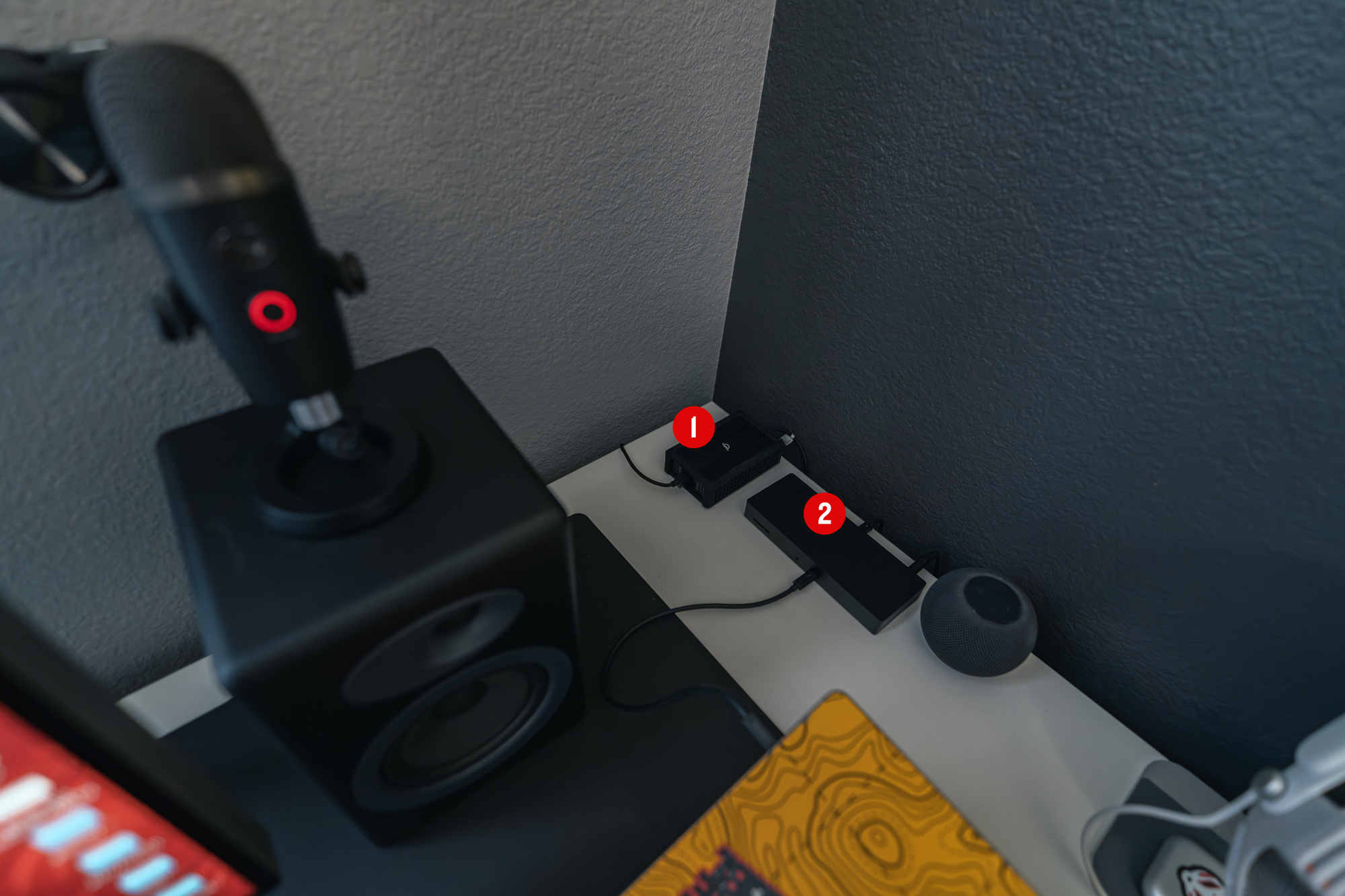
1. OWC Thunderbolt 4 10G Ethernet Adapter (Amazon)
This 10G Ethernet adapter is how I got extremely fast network speeds from my Synology Server to my Macbook Pro.
2. Razer Thunderbolt 4 Dock (Amazon)
This thunderbolt dock is how I connected my Macbook Pro to one thunderbolt cable to get power and connectivity to my 10gb network, XDR display, speakers, and other external drives.
That’s it!
That’s the tour of what’s on my desk. At some point I will show how I organized the three Ikea drawers (Alex) under the desk. It’s all still a work in progress.
❤️ Enjoyed this post? Share it on your socials and don't forget to subscribe to the feed in your RSS reader!
